
Welcome to the Downloading Installer Guide. Here are the steps to download the installer from deepsignal.tech.
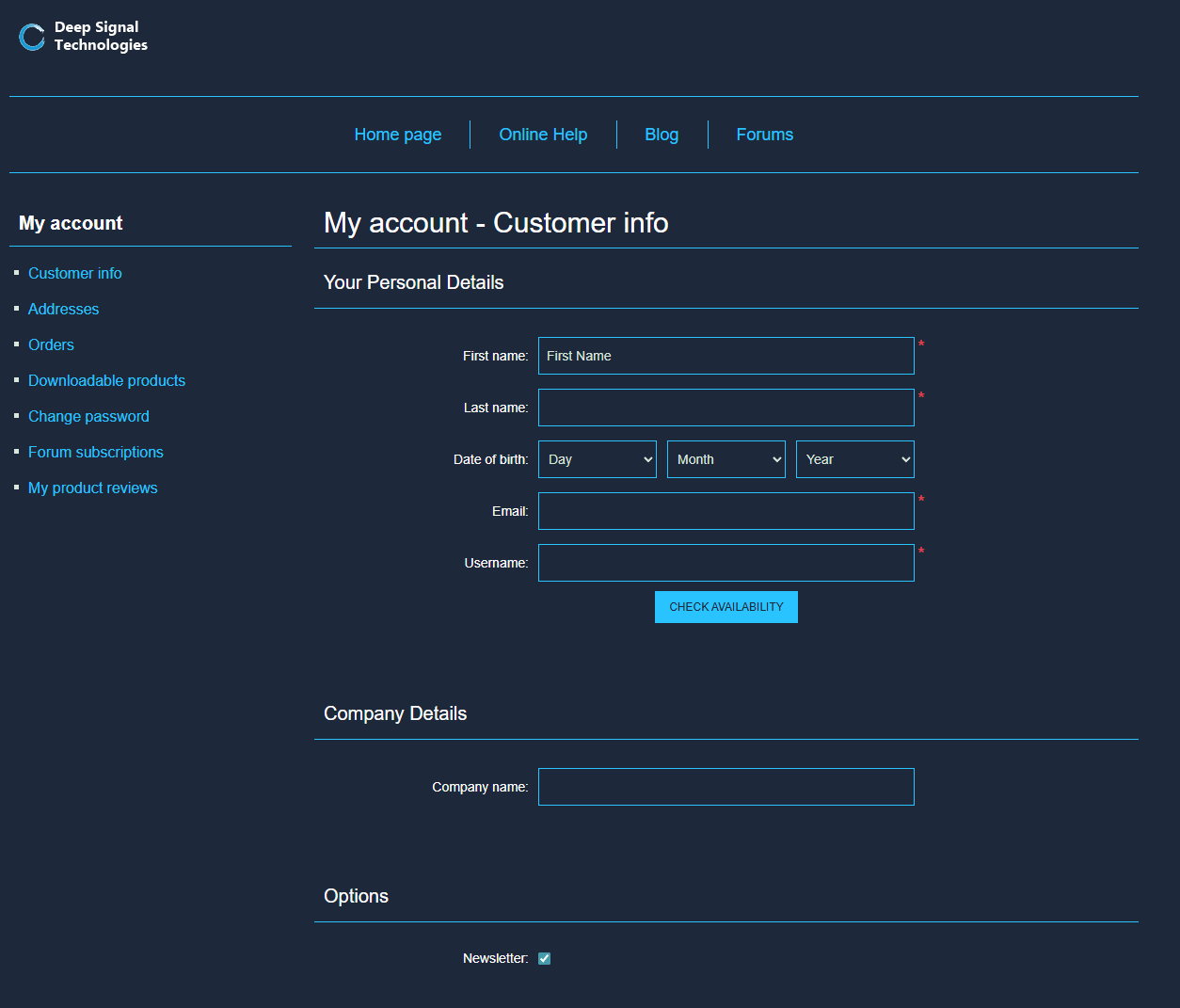
In order to download the installer, the user must have created an account at https://www.deepsignal.tech when they placed their order. At deepsignal.tech, please click on My Account link at the very bottom of the website. This will bring up the user's account information.
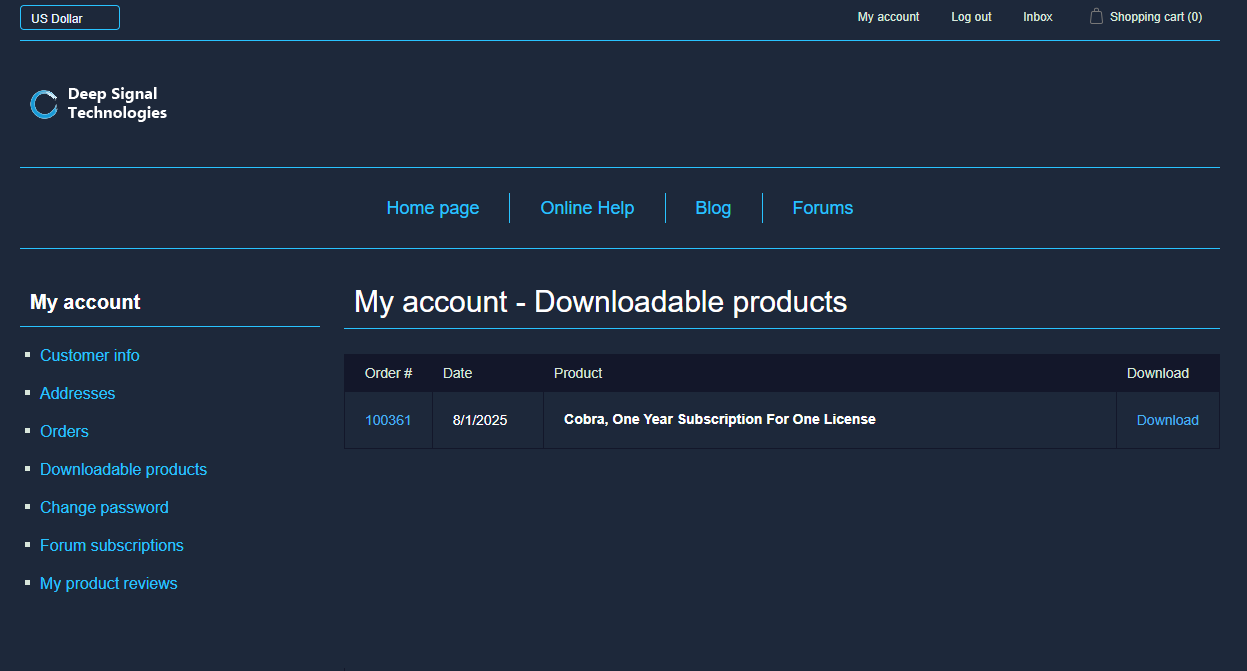
Click on Downloadable products. This will display which products you can download, then click on the Download button next to the product name. In this case it is the Deep Signal Cobra, One Year Subscription For One License.
Please note, that the install file will be named DeepSignalIndicatorsInstaller. This file may contain other indicators in the future, but the other indicators will need to have a valid license in order for them to function.
The Deep Signal Cobra installer is now saved and you can begin installing. Clicking on the Open file link will open the Deep Signal Indicators Installer and begin installing. If NinjaTrader is open, it will need to be shut down before installing. Please see the Installation Guide for more information regarding installation.
Futures, foreign currency and options trading contains substantial risk and is not for every investor. An investor could potentially lose all or more than the initial investment. Risk capital is money that can be lost without jeopardizing ones financial security or lifestyle. Only risk capital should be used for trading and only those with sufficient risk capital should consider trading. Past performance is not necessarily indicative of future results.